Let soundcore Work.You stay Typeless.
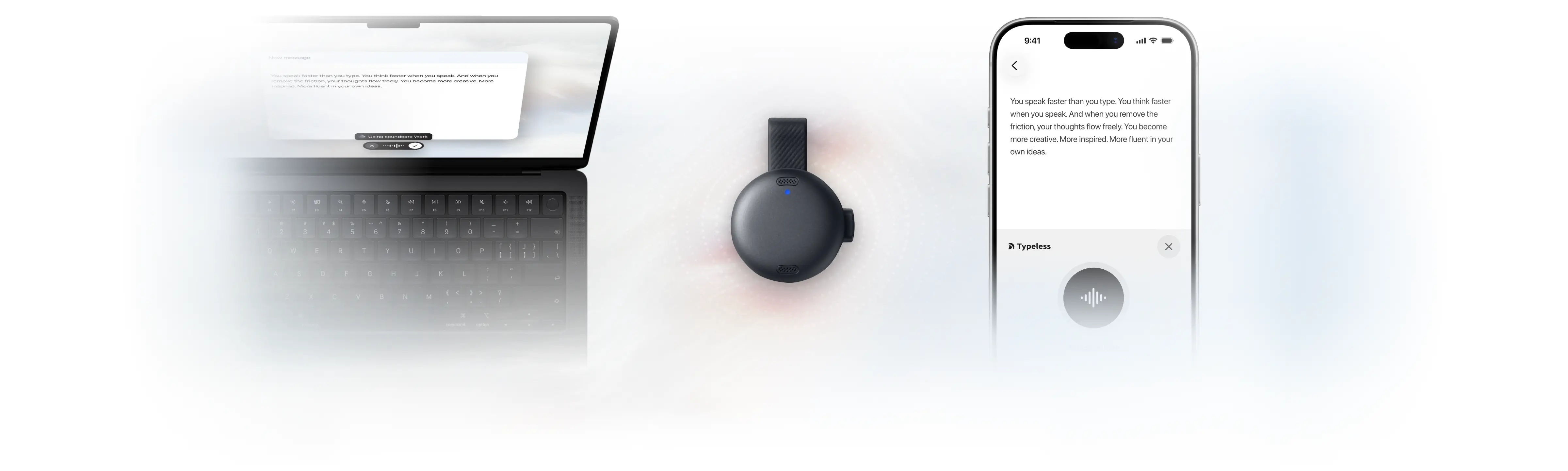
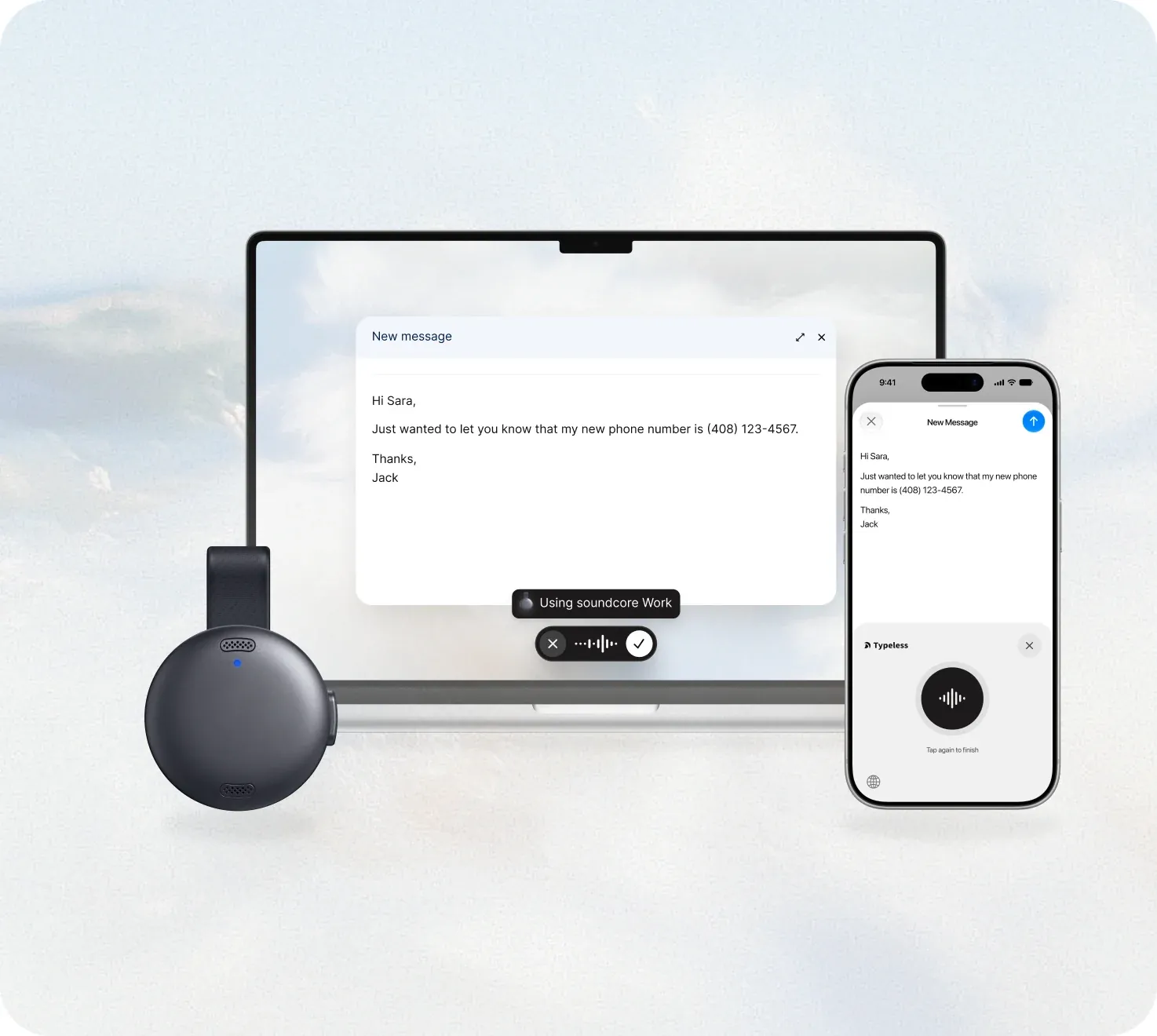
Clip soundcore Work to your collar for clear voice capture, even when you whisper. Use it with Typeless to turn messy thoughts into clear writing in any app. 4x faster than typing.
Why use soundcore Work?
Shared workspaces
Clip on soundcore Work and use Typeless at the office, even when you whisper.
More freedom at your desk
With soundcore Work clipped to your collar, you can sit back and speak naturally without leaning toward your computer.
No built-in microphone
If your computer doesn't have a built-in microphone, clip soundcore Work to your collar and use it as your microphone for Typeless. No headset or microphone stand needed.
Meet soundcore Work
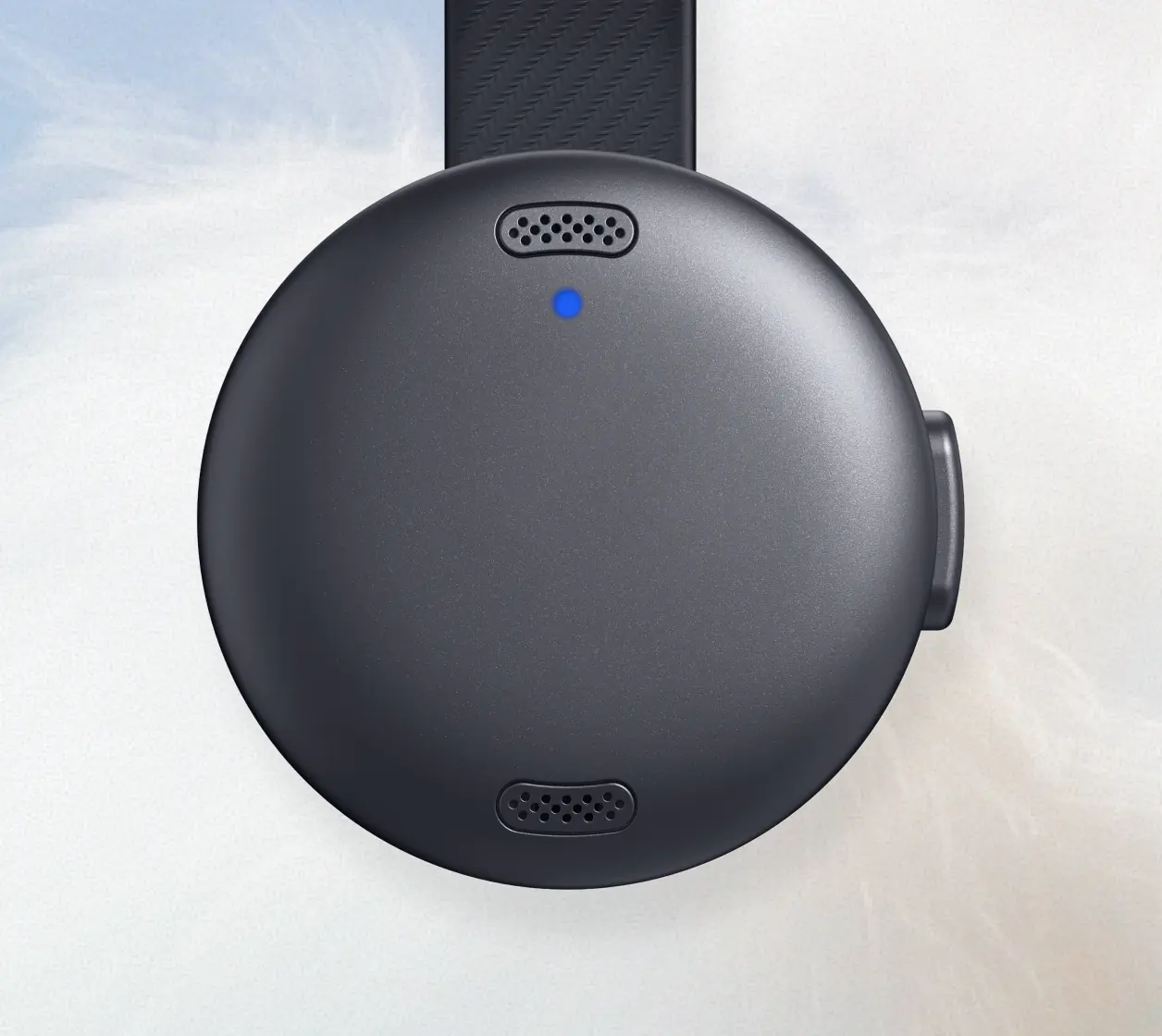
Whisper and still be heard clearly
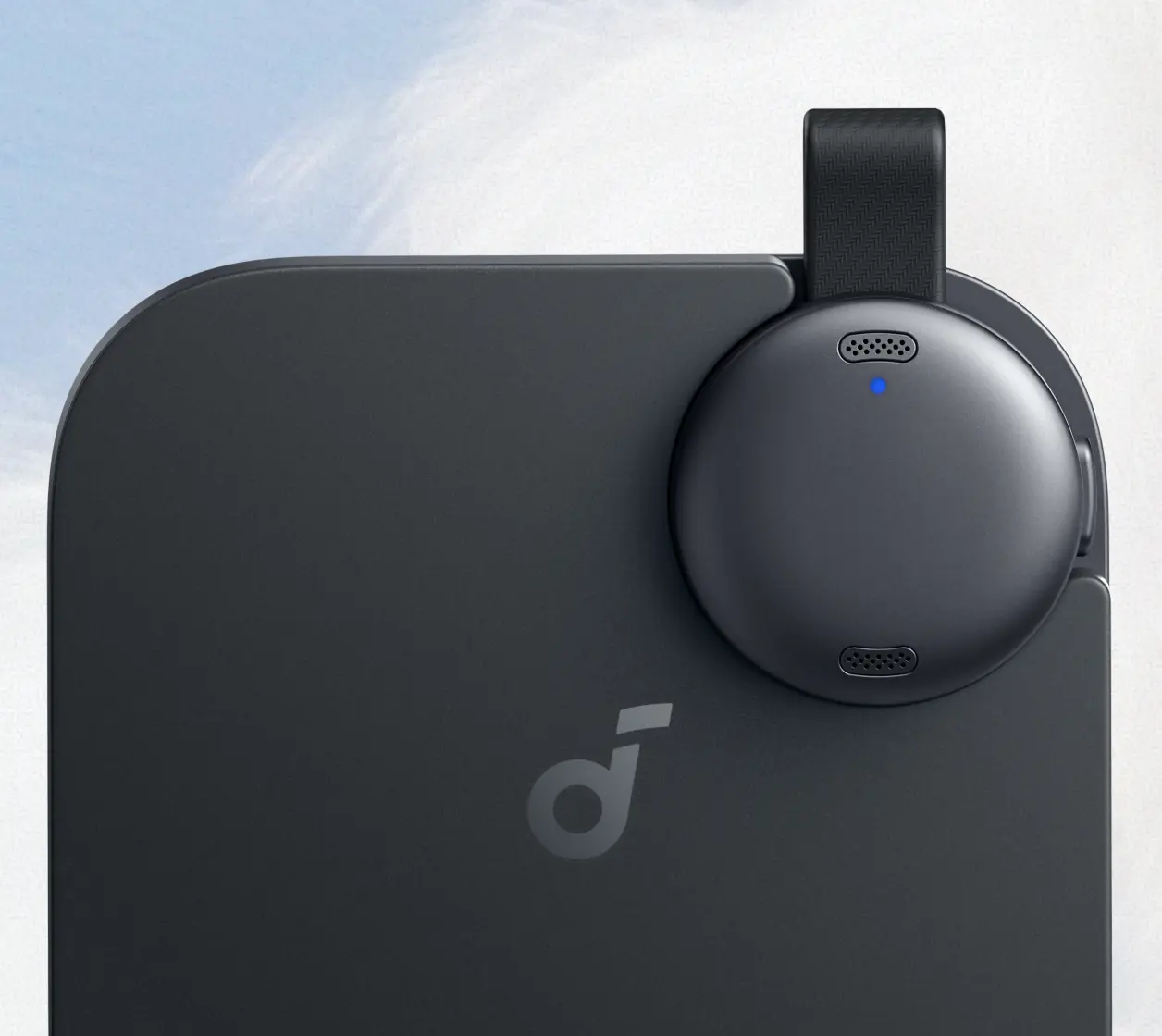
Dual microphones help capture your voice clearly, even when you whisper.
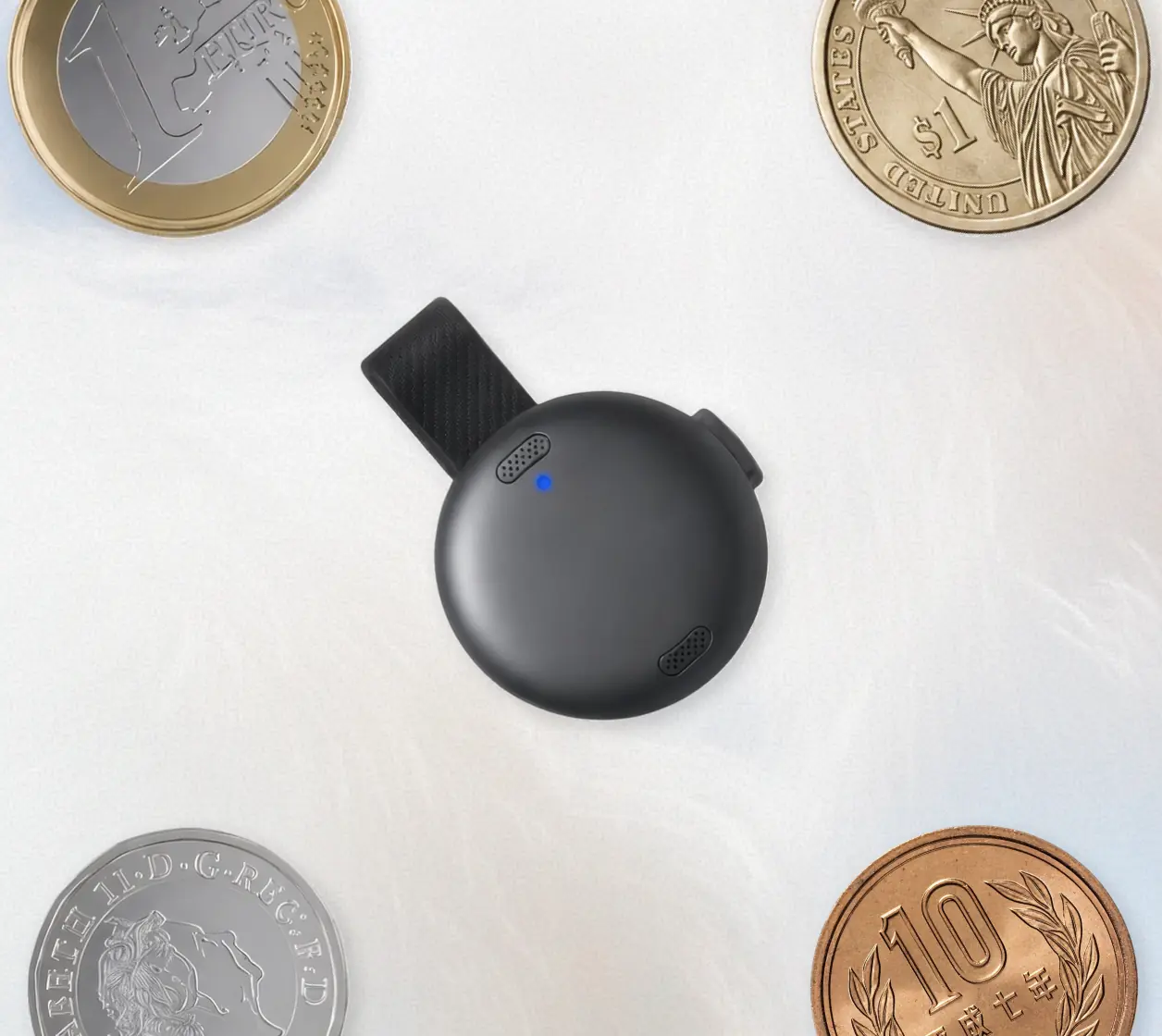
Small, light, and easy to wear
About the size of a coin, soundcore Work is 23.2 mm in diameter and weighs just 10 g.
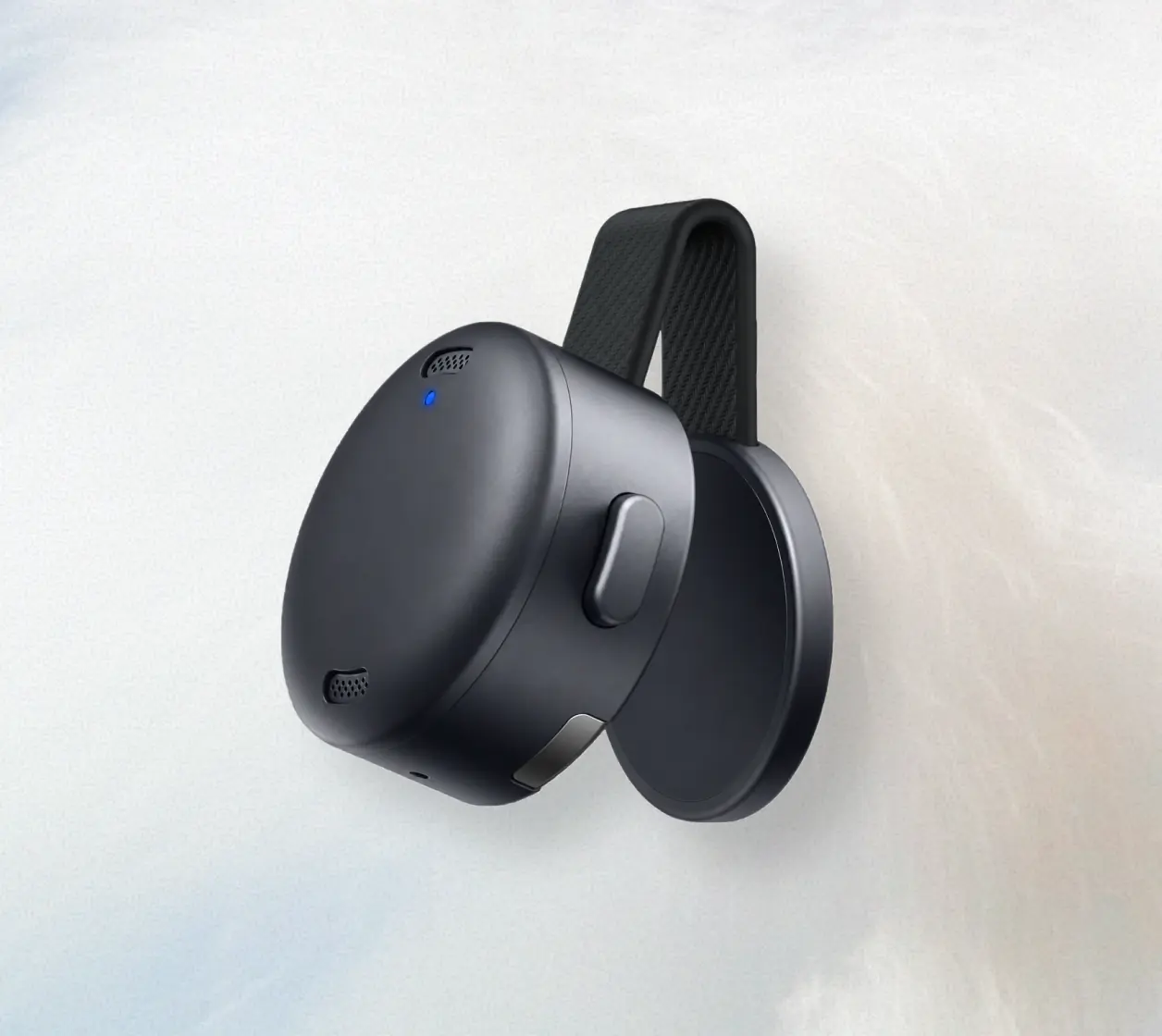
Freedom to work your way
Clip soundcore Work to your collar to keep the microphone close, without leaning toward your built-in microphone.
All-day battery life
Get up to 8 hours of use per charge, or 32 hours in total with the charging case.
Works with Typeless on desktop and mobile
Officially supported by Typeless on macOS, Windows, iOS, and Android.
FAQ
Can't find what you're looking for? Email us at [email protected]