フィードバックを提供するにはどうすればよいですか?
文字起こしがうまくいかない場合(開始が遅い、単語の順序が違う、発言とテキストが一致しないなど)は、お知らせください。私たちは常に改善に努めており、皆様からの報告は問題の特定と修正をより迅速に行うのに役立ちます。
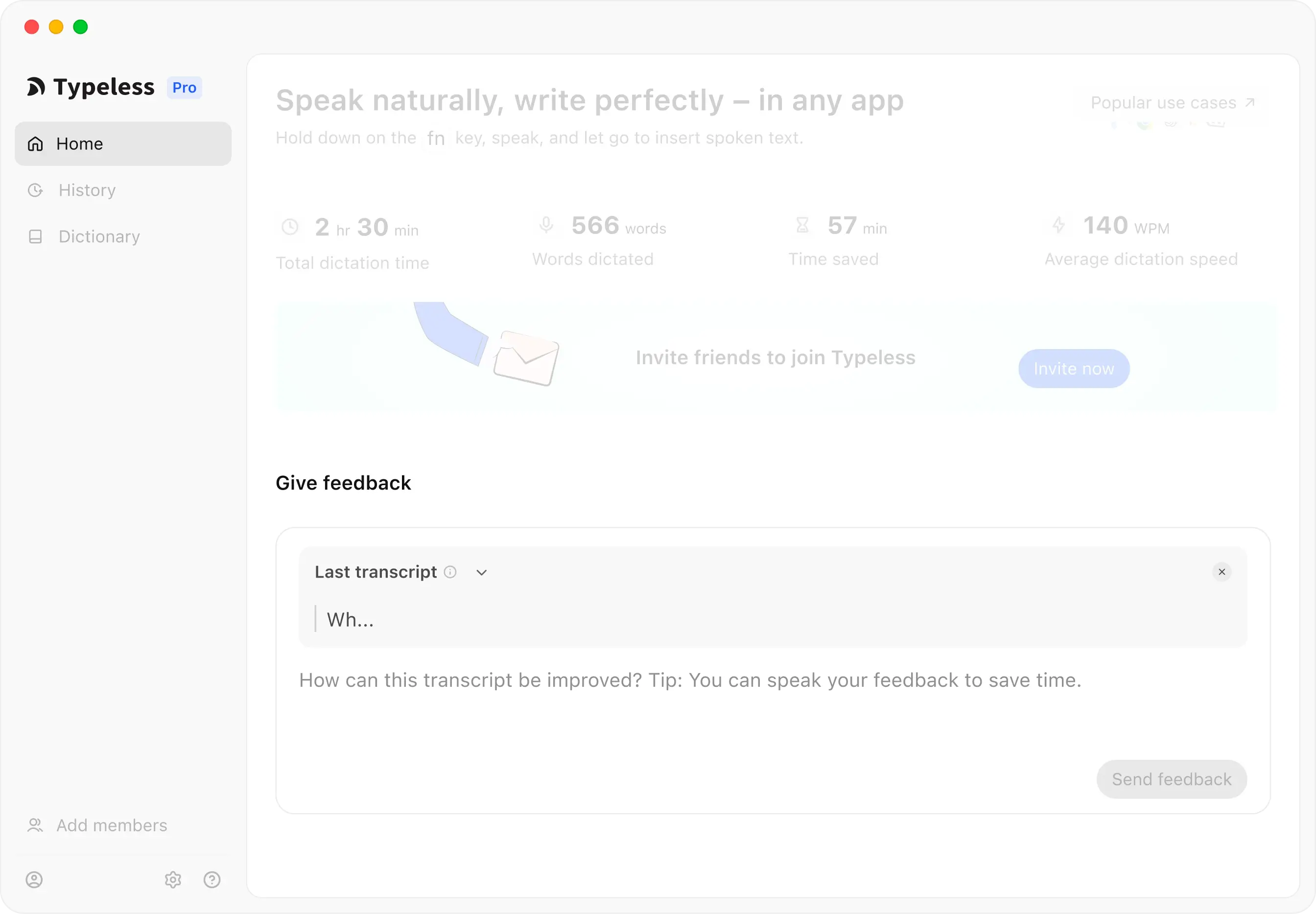
Typelessホームからフィードバックを送信する
「フィードバックを送信」セクションでは、Typelessの改善にご協力いただくための2つの方法があります。
- 文字起こしに関するフィードバック
「最後の文字起こし」(または履歴から任意の文字起こしを選択)を選択し、どのように改善できるかをお知らせください。例えば、精度の問題を報告したり、文字起こしに関する具体的なコメントを提供したりできます。
- 一般的なフィードバック
文字起こしボックスを閉じ、全体的な体験に関するフィードバック、バグの報告、提案などを共有してください。
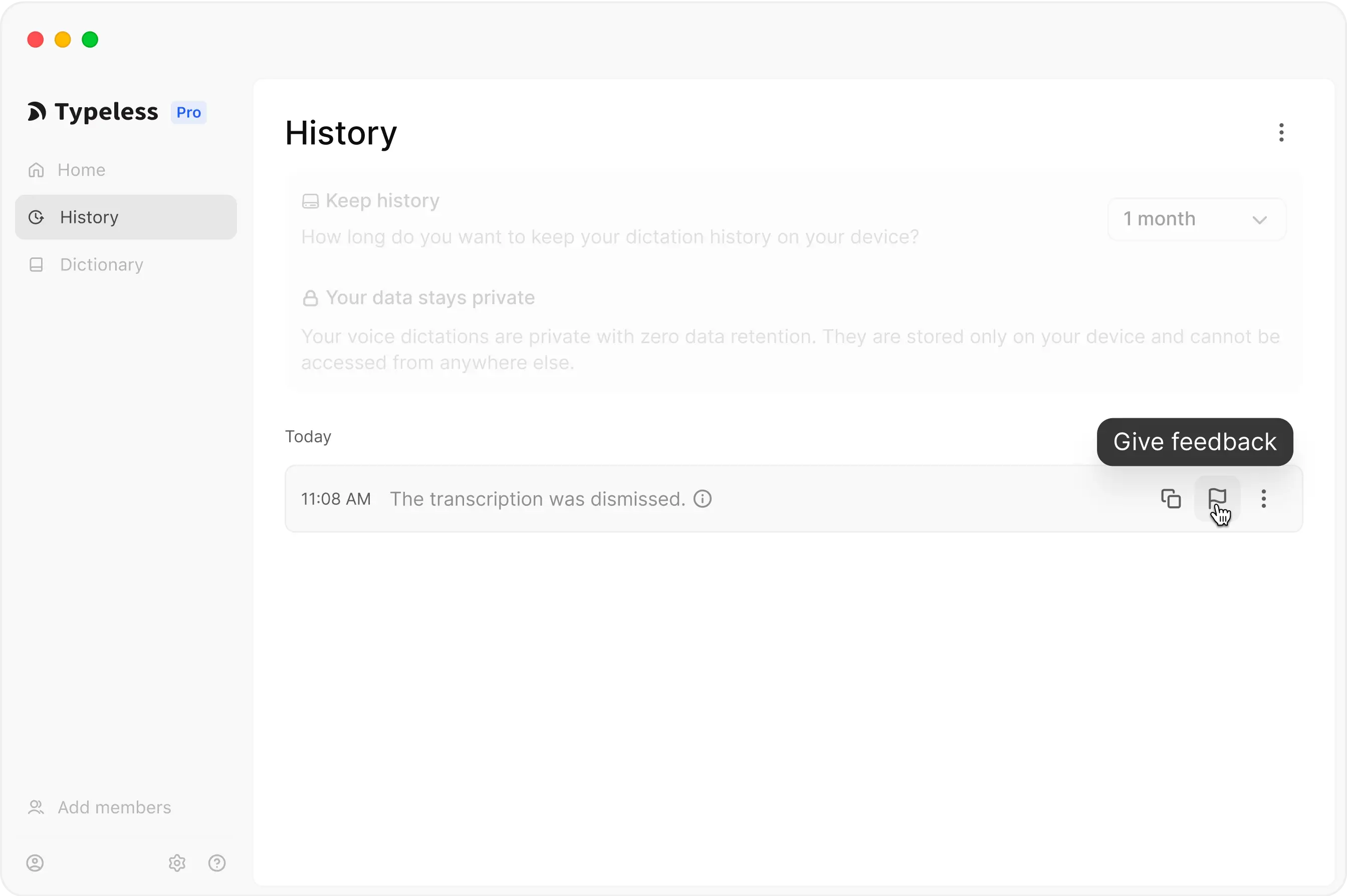
特定の文字起こしを報告するには
手順は以下の通りです。
- Typelessアプリを開く
- 履歴に移動する
- 報告したい文字起こしの横にある旗のアイコンをクリックする
- 発言内容やTypelessに期待していた動作に関する詳細は、常に役立ちます。