How to check for updates?
There are two ways to update Typeless:
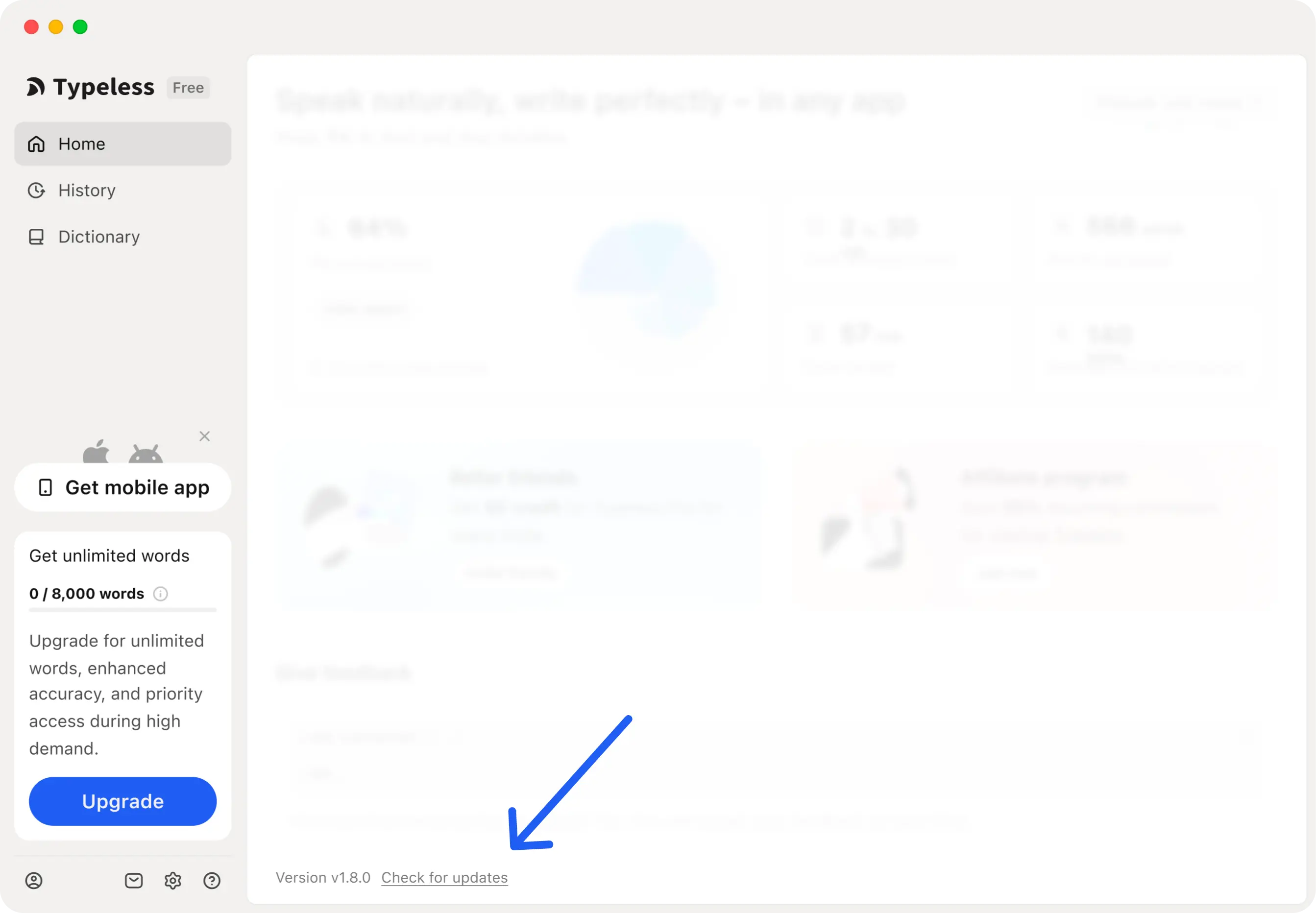
Method 1: From the app's Home screen
Open the Typeless app and click Check for updates at the bottom of the Home screen. Typeless will check for and install any available updates.
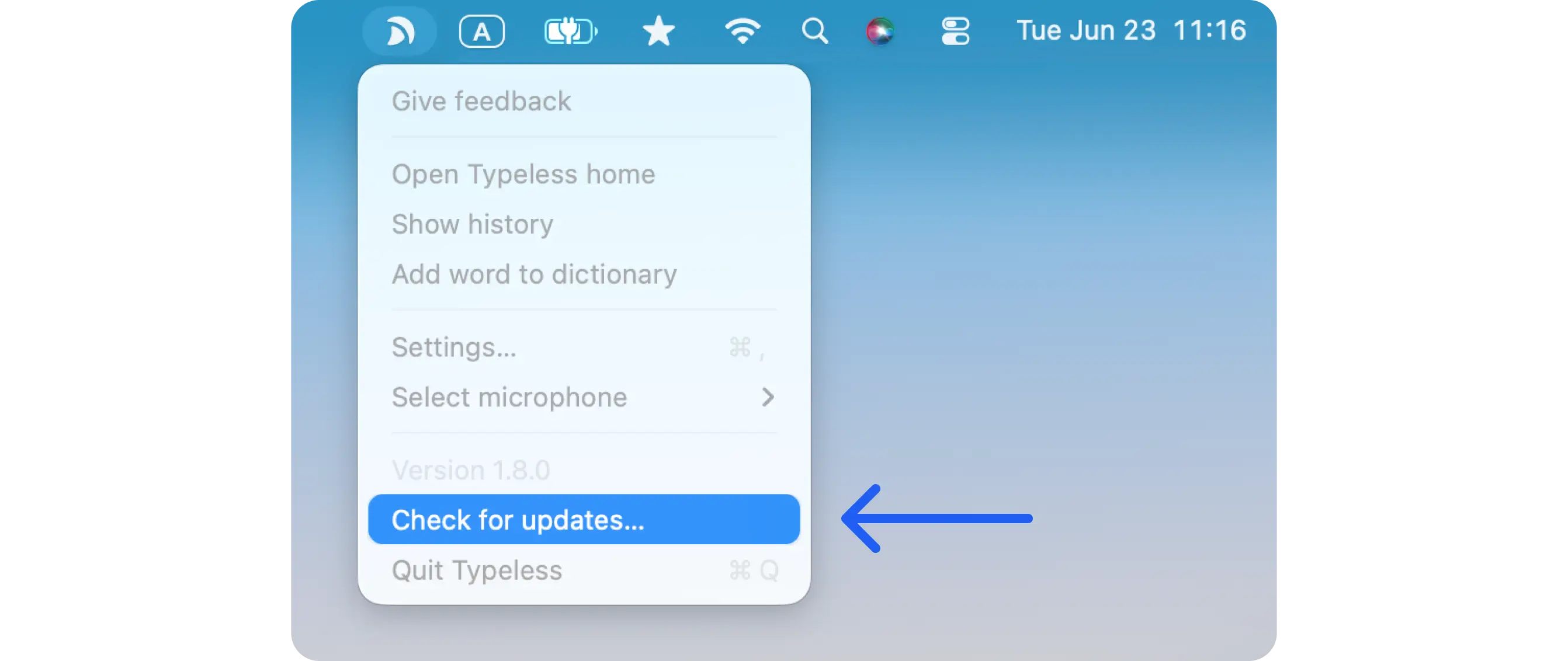
Method 2: From the Typeless menu
1. Move your cursor to the top-right corner of your screen.
2. Click the Typeless icon
3. Select Check for updates
Still having trouble? Go to Typeless home and report an issue or share your thoughts in the Give feedback section. Thank you for helping us improve!