Setting your preferred language variant
December 16, 2025
macOS app V0.8.1
Regional variants ensure Typeless understands your specific accent and vocabulary (e.g., distinguish between colour in UK English and color in US English).
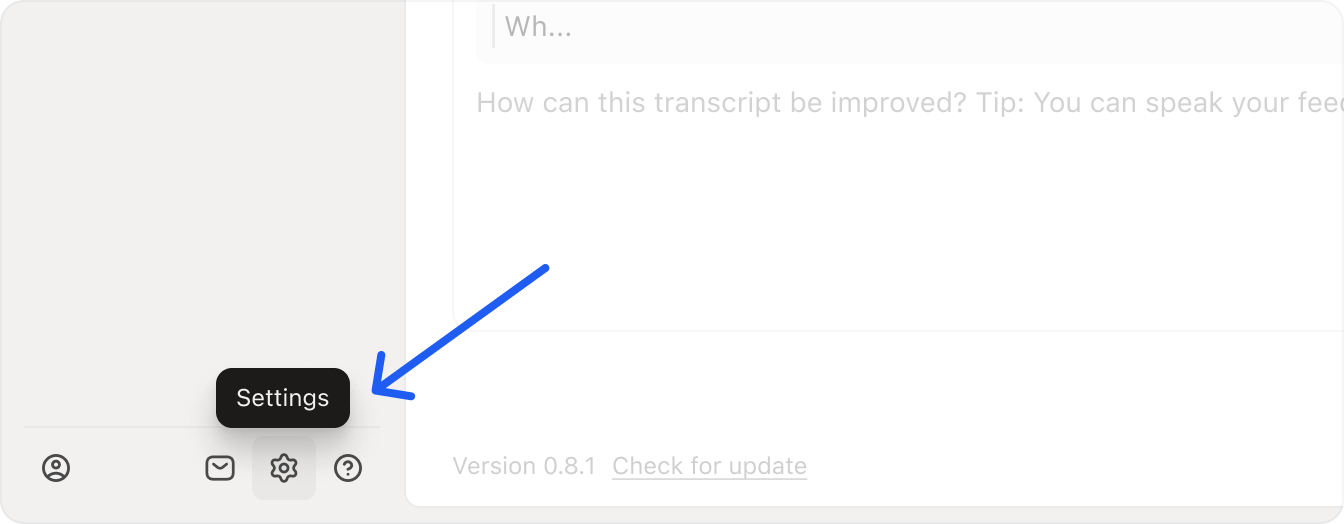
- Go to Settings: Click the gear icon in the bottom-left corner of the app.
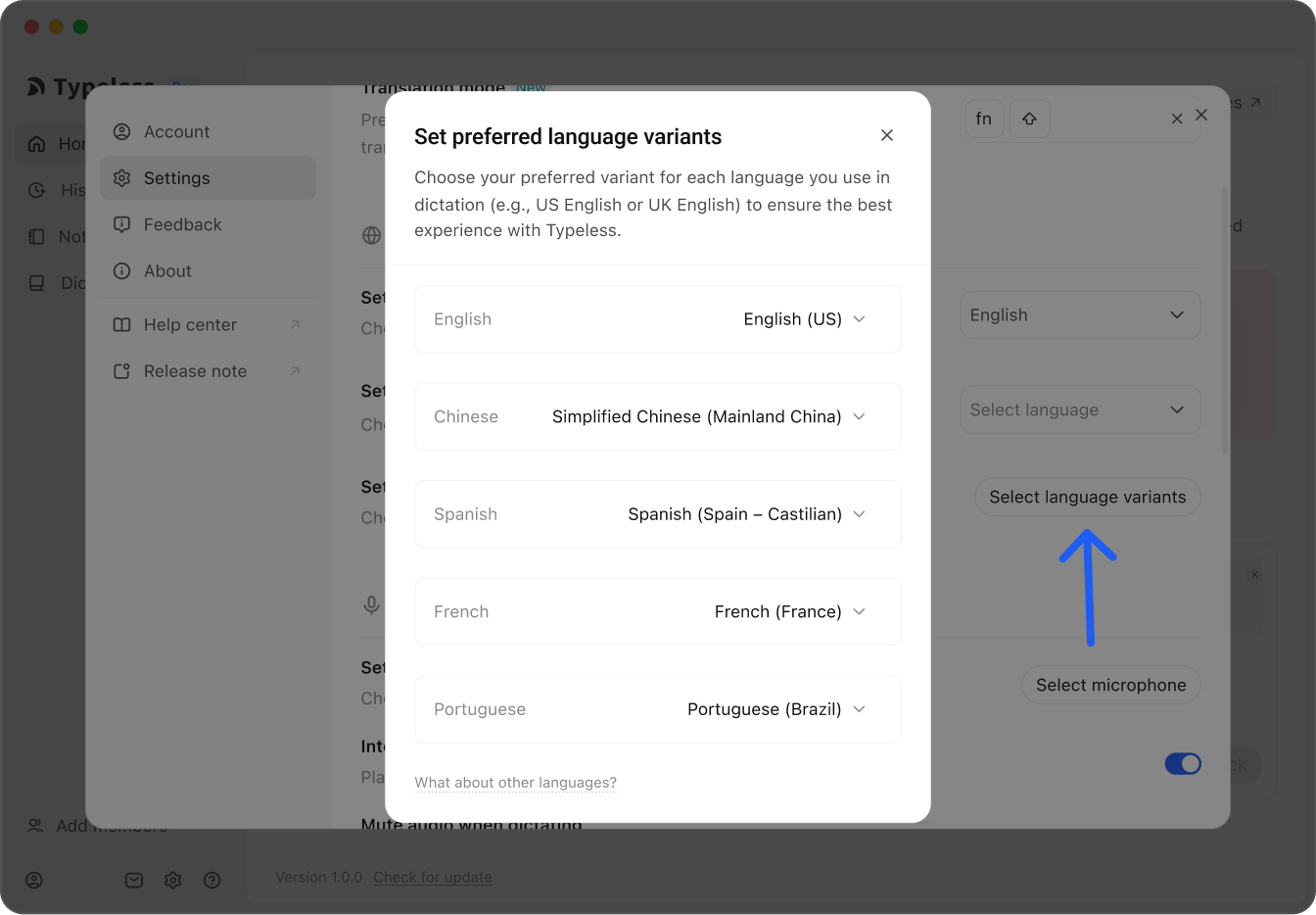
- Select Language: Find the language you wish to customize (e.g., Spanish).
- Choose your Variant: Click the dropdown menu and select your specific region from the list (e.g., Spanish (Mexico)).
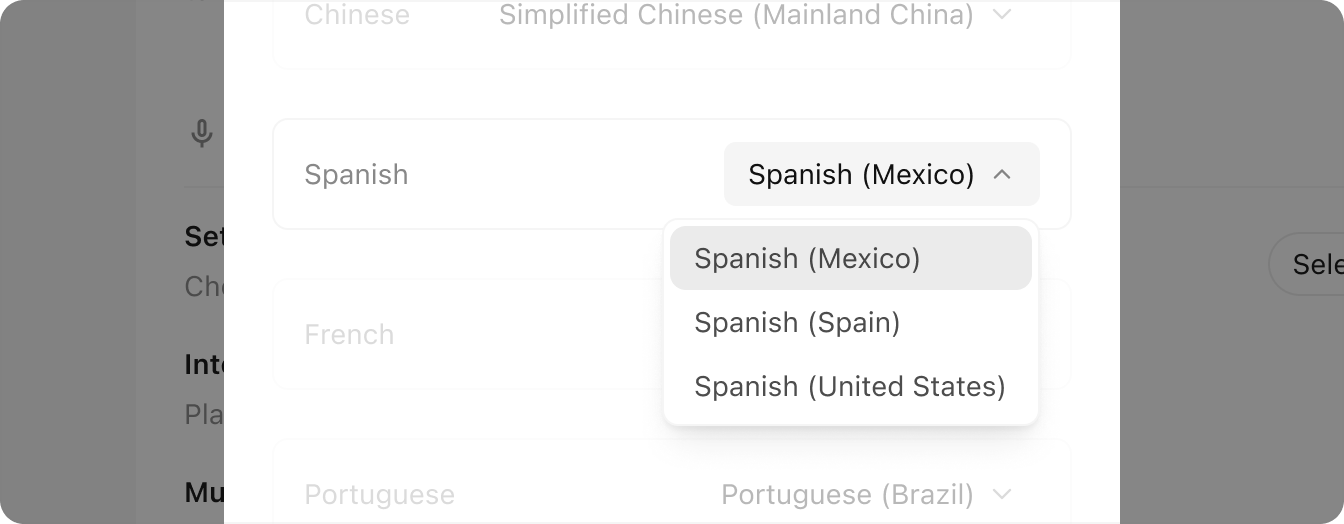
Once selected, Typeless will automatically optimize its recognition for that specific dialect.